Rosalie Kathie -  Whimsical Business Branding Font from Jimtype Studio
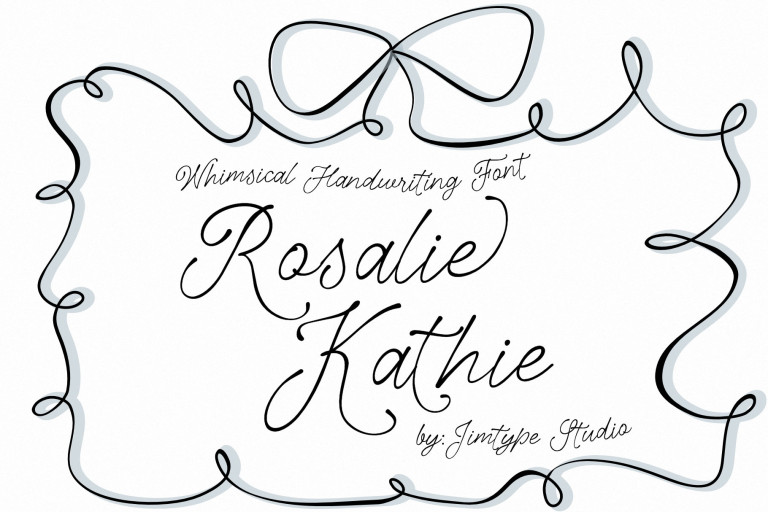
Rosalie Kathie
The quick brown fox jumps over the lazy dog

Description

Rosalie Kathie –  Whimsical Business Branding Font from Jimtype Studio

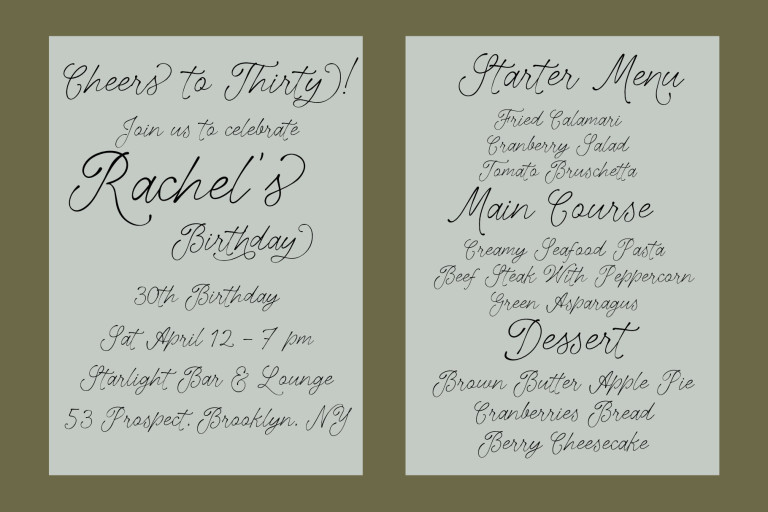
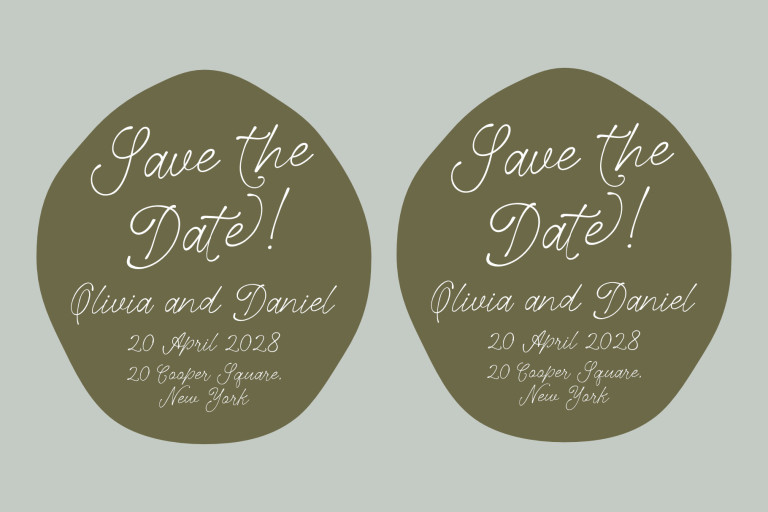
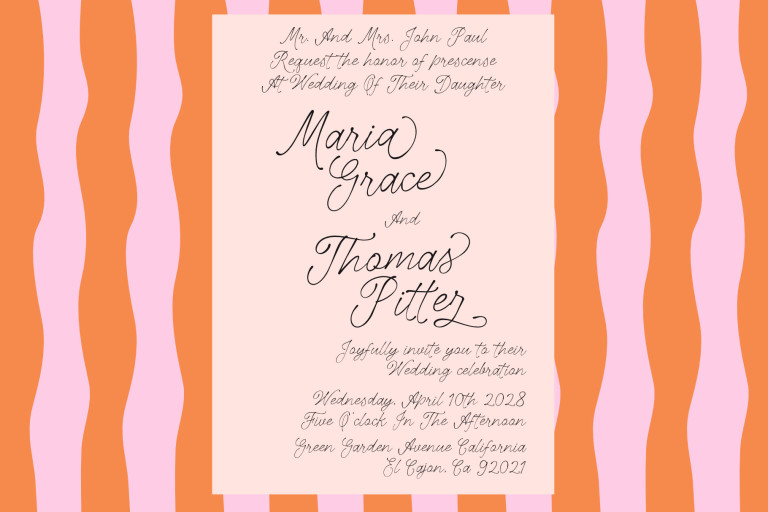
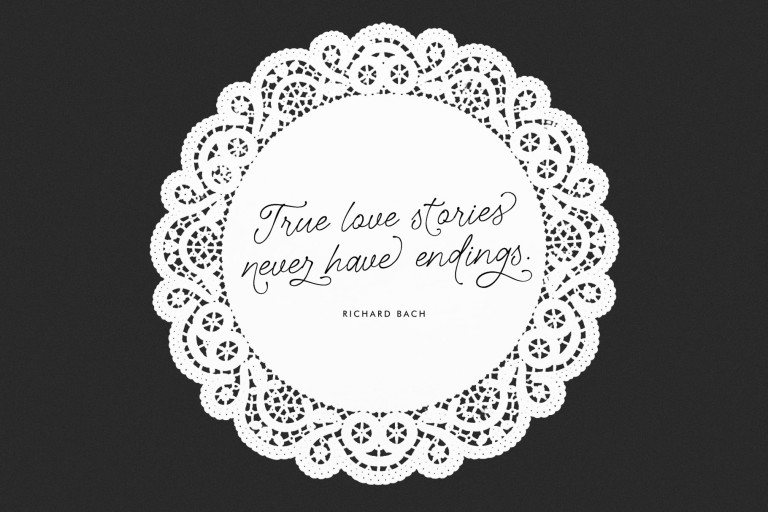
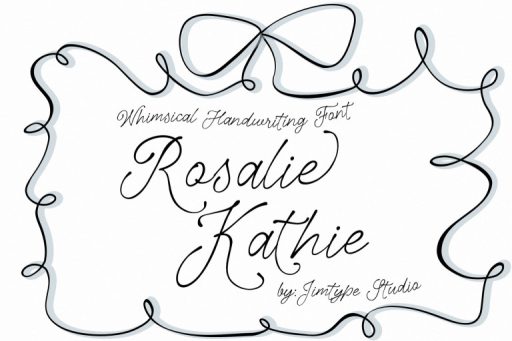
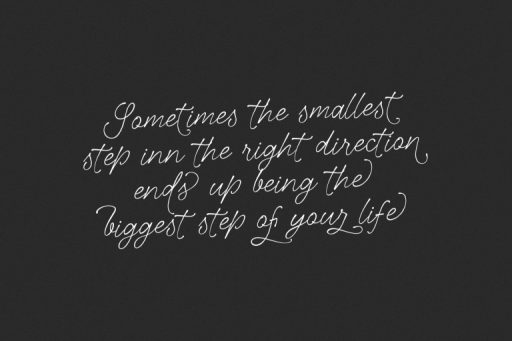
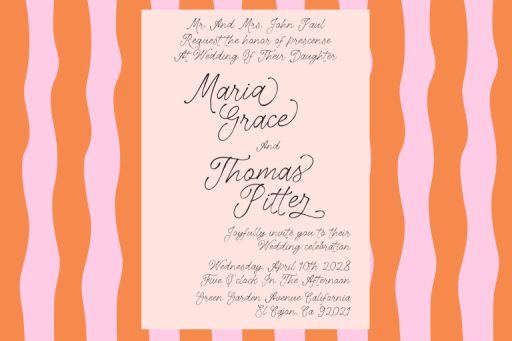
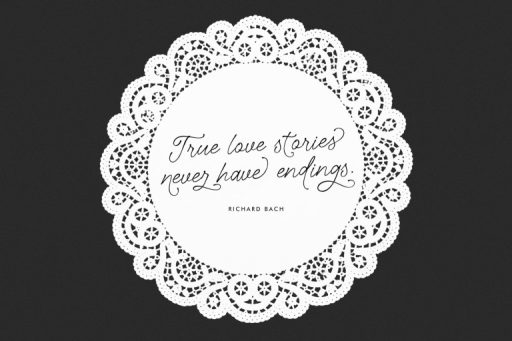
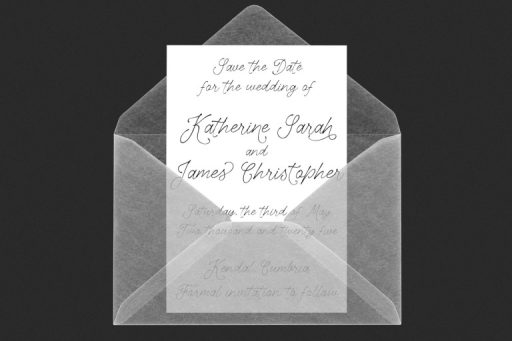
Say hello to The Rosalie Kathie Font — a whimsical hand-lettering script font!

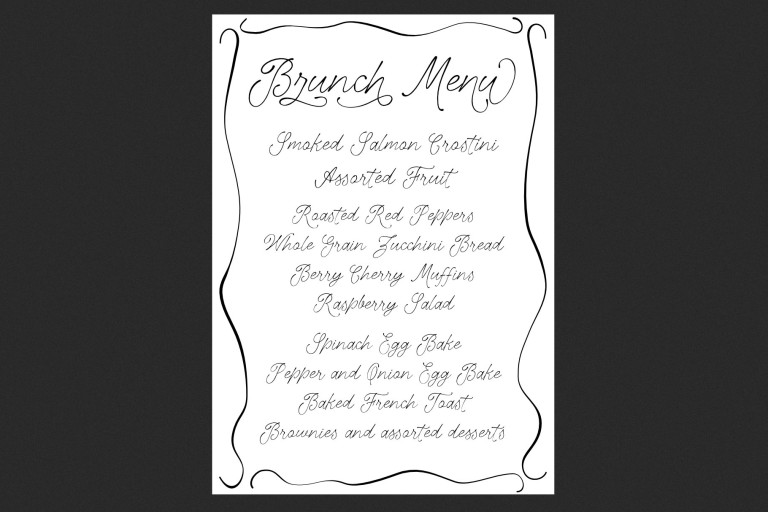
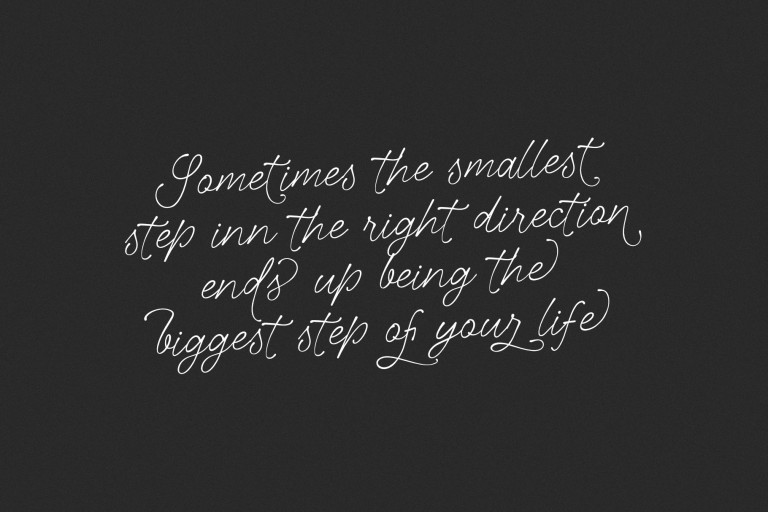
Lovingly crafted with a romantic touch, this script font combines handcrafted elegance with excellent readability. Its natural curves and subtly imperfect strokes create an authentic handwritten feel that adds warmth and personality to designs. Use this font when you desire handmade typography and romance.

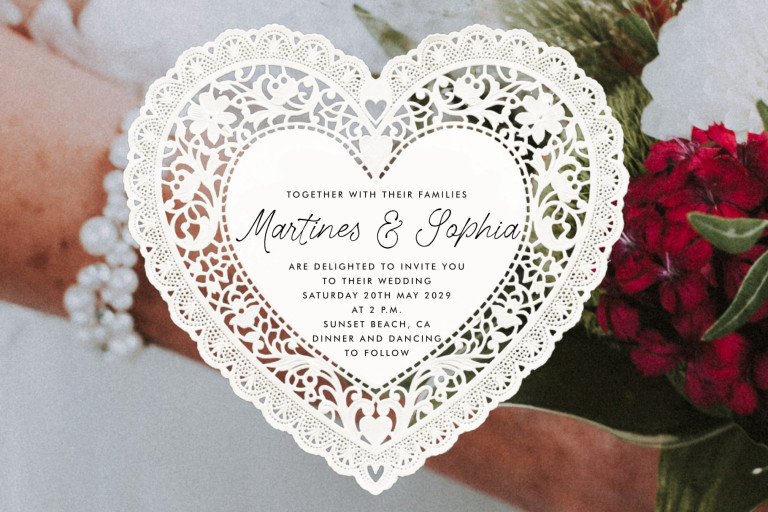
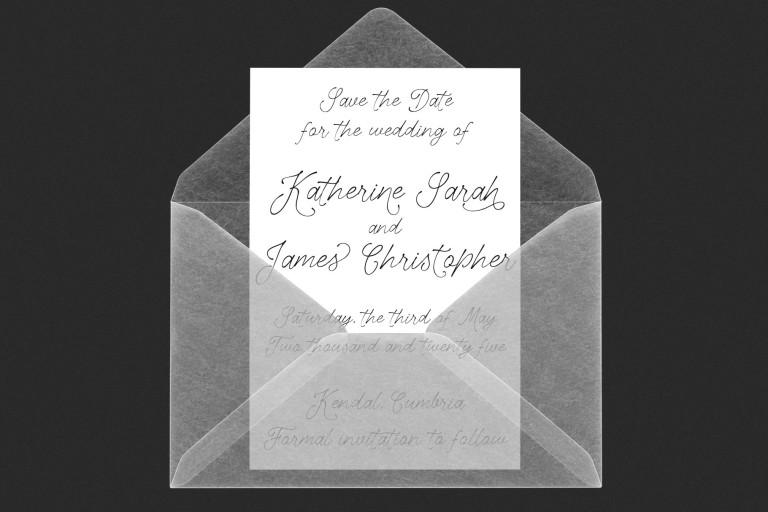
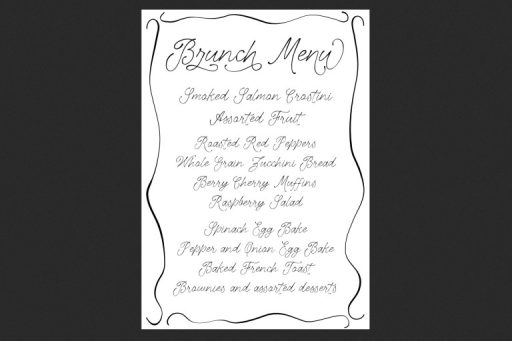
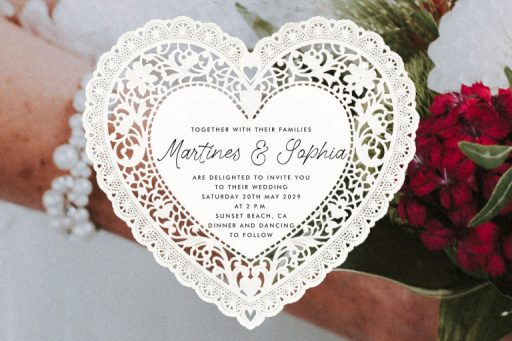
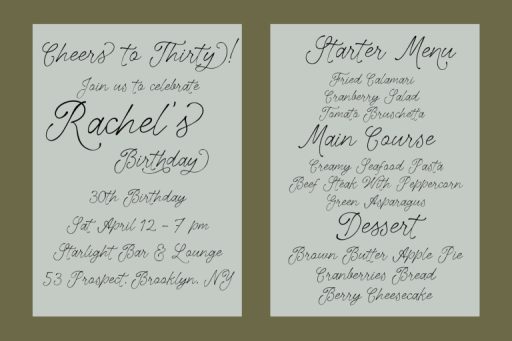
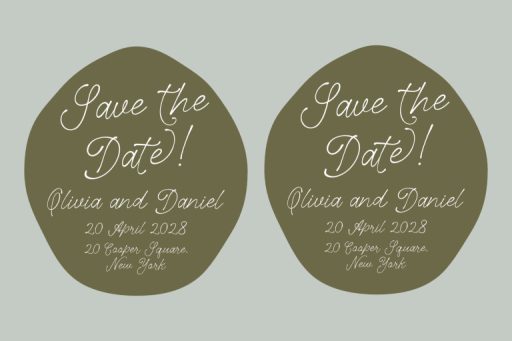
The Rosalie Kathie Font is perfect for wedding invitations, branding projects, greeting cards, product packaging, social media graphics, and stylish display typography. Whether you’re creating something elegant, feminine, or romantic, this font brings a soft handmade charm to every composition.

For a beautifully balanced look, pair it with a clean sans serif or a refined serif font to create crisp contrast and sophisticated typography.

Perfect For:

  • Wedding invitations
  • Branding & logos
  • Product packaging
  • Social media graphics
  • Feminine design projects
  • Greeting cards
  • Beauty & fashion branding
  • Quotes & typography art
  • Editorial layouts
  • Romantic display typography

Font Features :

  • OTF/TTF/WOFF/WOFF2
  • Web Fonts version
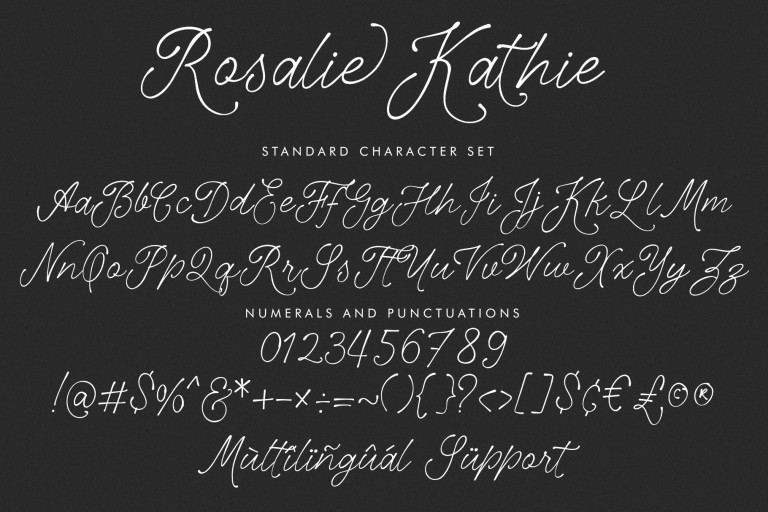
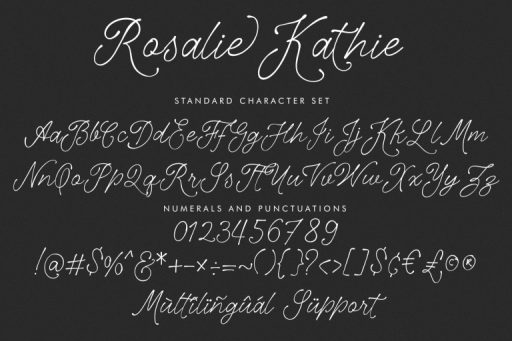
  • Basic Latin A-Z and a-z
  • Ligatures
  • Guide Installation
  • Numbers
  • Punctuation
  • Works on PC & Mac
  • Simple installations
  • Accessible in Adobe Illustrator, Adobe Photoshop, Adobe InDesign, even work on Microsoft Word.

*Please read the FAQs page before making a purchase.

Do any more questions? Just ask at [email protected] or tab contact menu

We will answer your questions as soon as possible.

Thank you!
Additional information

License Option

Desktop License, Webfont License, Publishing License, Unlimited Webfont License, Social Media License, Trademark Logo License, Extended License, App/Game License, Server License, Broadcast License, Worldwide Corporate

FREQUENTLY ASKED QUESTIONS

Can I use this font for my logo with the Desktop License?
Yes, you can use it for the logotype. But you are not permitted to register or trademark without our permission. You need to buy Trademark Logo License.
Can I upload the fonts to canvas?
Yes, you can upload & use design tools (Canva, Corjl, Templett, Silhouette, Cricut)
Can I return/refund product font?
You can visit this page Here
How can I unzip product files?
Windows:
Extract a single file or folder, and double-click the compressed folder to open it. Then, drag the file or folder from the compressed folder to a new location. Extract the entire contents of the compressed folder, right-click the folder, click Extract All, and then follow the instructions.
MAC: Double-click the .zip file to unzip it, then search for the product folder or product file.
How do I install a font?
Windows: Double-click on the OTF or TTF file, then click "Install."
On a Mac:
Double-click on the OTF or TTF file, then click "Install Font."
Alternatively, you can manually install fonts to bypass Fontbook: Copy (CMD + C) the file(s) in either OTF or TTF format, then Paste (CMD + V) the files into this folder: HD > Library > Fonts
What software do I need to use for this font?
Note: When a font is installed on your computer, you can use it with any program that allows you to create text. Fonts will work in Microsoft Office applications, Adobe software, and almost any other program with a text editor. You can learn more in our Help Center about OTF special features and installing your new font.
Complete FAQ is Here

Rosalie Kathie Font

License Type
What are these?
If you need custom license and question, please contact us using our Contact Form.